Schemity is a desktop ERD tool, so installation is a normal app download for your operating system. No account and no internet connection are required to run it.
Download
Get the installer for your platform from the Schemity website:
- macOS - a
.dmgfor Apple Silicon or Intel. Drag Schemity into your Applications folder. - Windows - a
.msiinstaller for Windows 10/11 (x64). - Linux - a
.debpackage for the Ubuntu and Debian family.
Once installed, Schemity keeps itself up to date through its built-in updater, so you only download an installer the first time.
There is also a free web version that runs in the browser if you just want to try designing without installing anything.
First launch
On first launch Schemity opens to the workspace screen: a left sidebar listing your workspaces, and a panel listing the connections in the selected workspace. A default workspace is created for you, and a ready-made Sample Blog Diagram is seeded so you have something to open and explore right away.
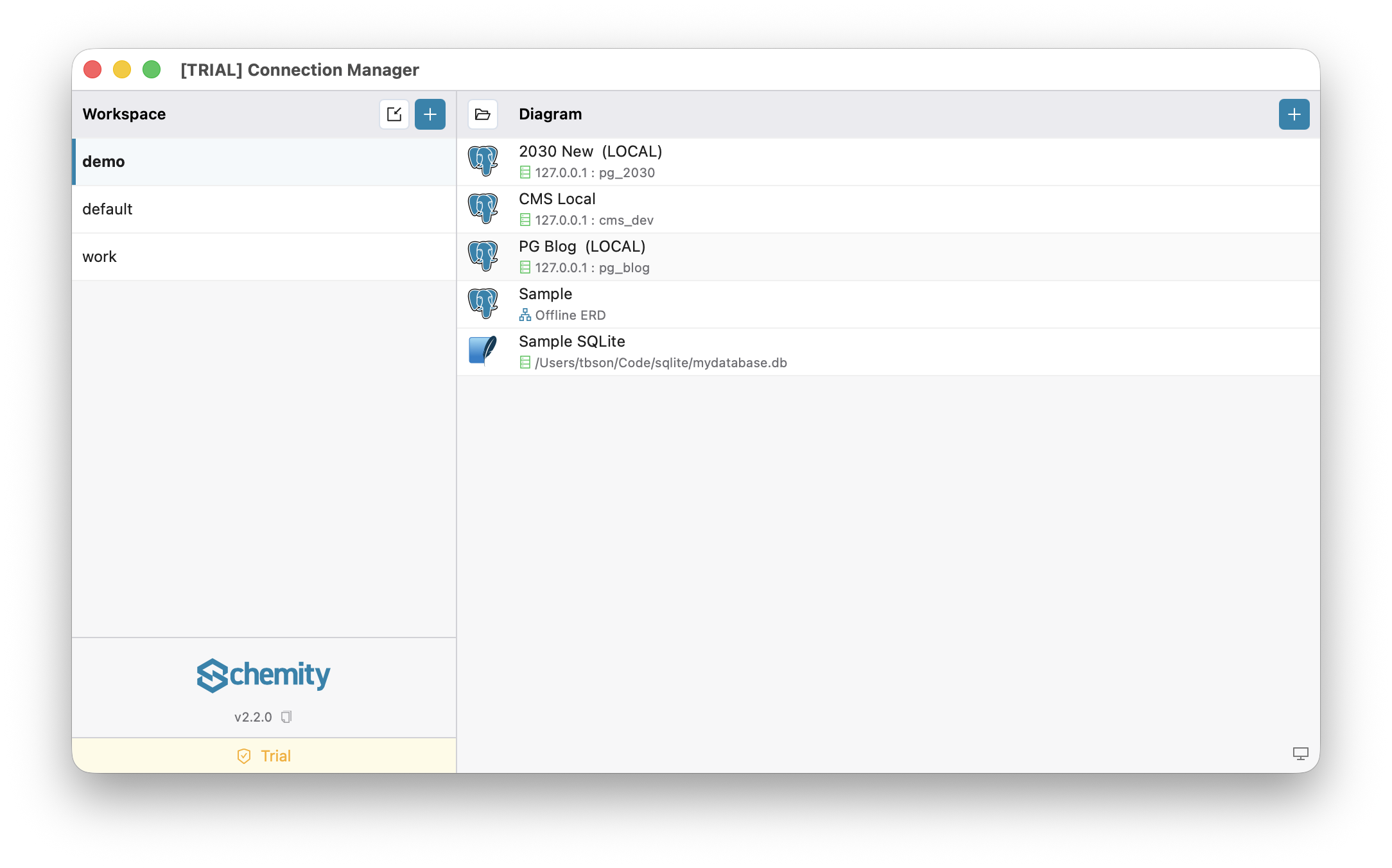
Because Schemity is an air-gapped ERD tool, nothing phones home - you can run it on a machine that has never touched the internet. If your operating system warns about an app from an outside developer, allow it the way you would any signed desktop application.
Free vs licensed
Schemity is a one-time purchase ERD tool, not a subscription:
- Free (web and trial) - design schemas fully offline. This is everything you need to draw entities, relationships, and constraints.
- Licensed desktop (one-time) - additionally unlocks connecting to live databases, importing SQL, AI chat, generating and applying migrations, and watermark-free exports.
You enter your license key once to activate; the check is local, with no recurring seat verification.
Next
Once installed, continue to Create a Workspace.