A connection in Schemity is both a database target and a diagram. Each connection lives inside a workspace and is saved as one JSON file. You can design entirely offline, or attach connection details so Schemity can read a real database and turn its structure into an ERD. Either way, nothing leaves your machine - this is an ERD tool with no cloud.
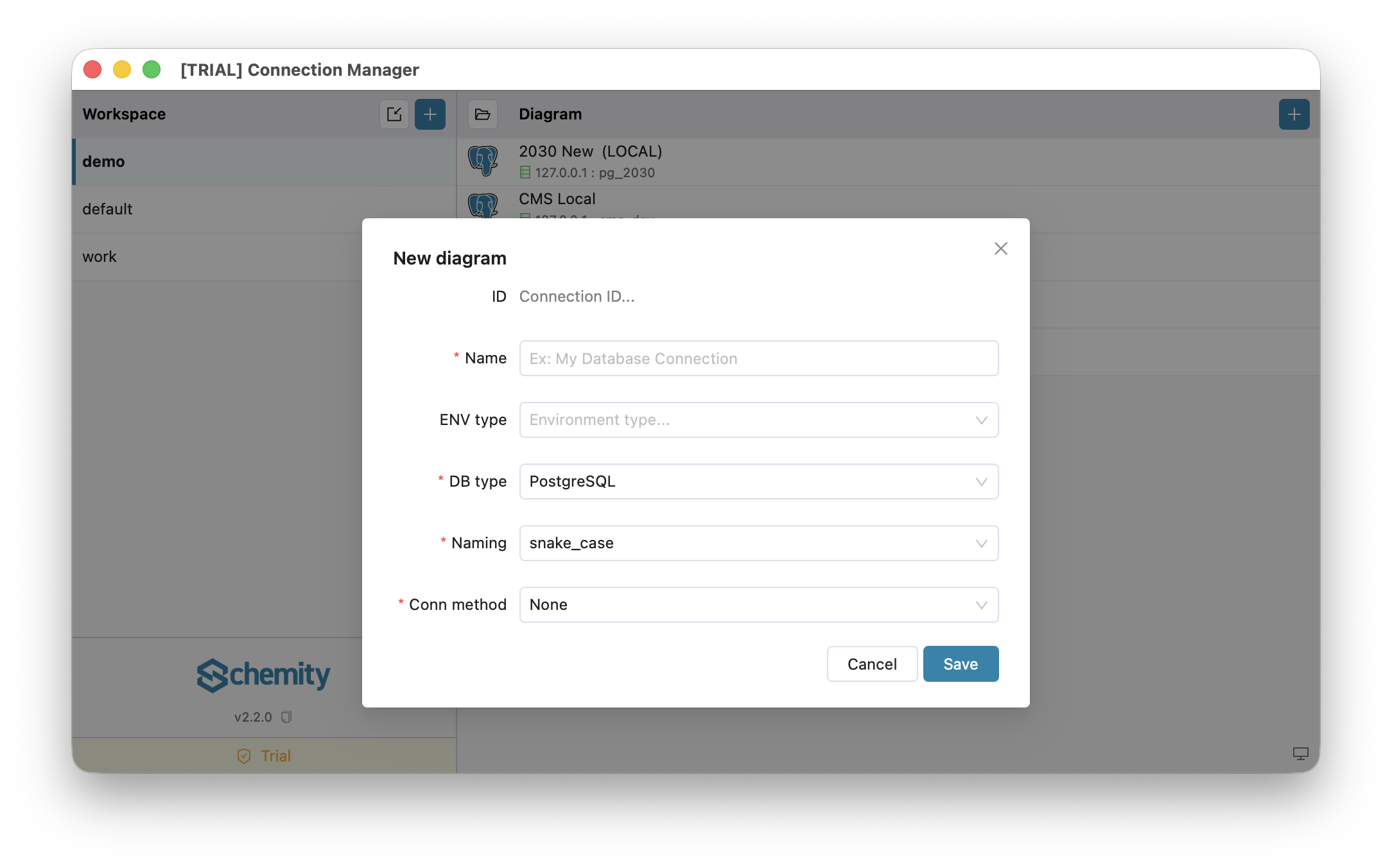
The connection form, top to bottom
Every connection, whatever the engine, starts with the same fields:
- ID - read-only, derived from the name.
- Name - a label such as
Production DBorLocal dev. - DB type - the engine: PostgreSQL, MySQL, SQL Server, or SQLite.
- Naming - the naming convention Schemity uses for generated names:
snake_caseorcamelCase. - Conn method - how (or whether) Schemity connects:
- None - offline design only. No live database; just draw.
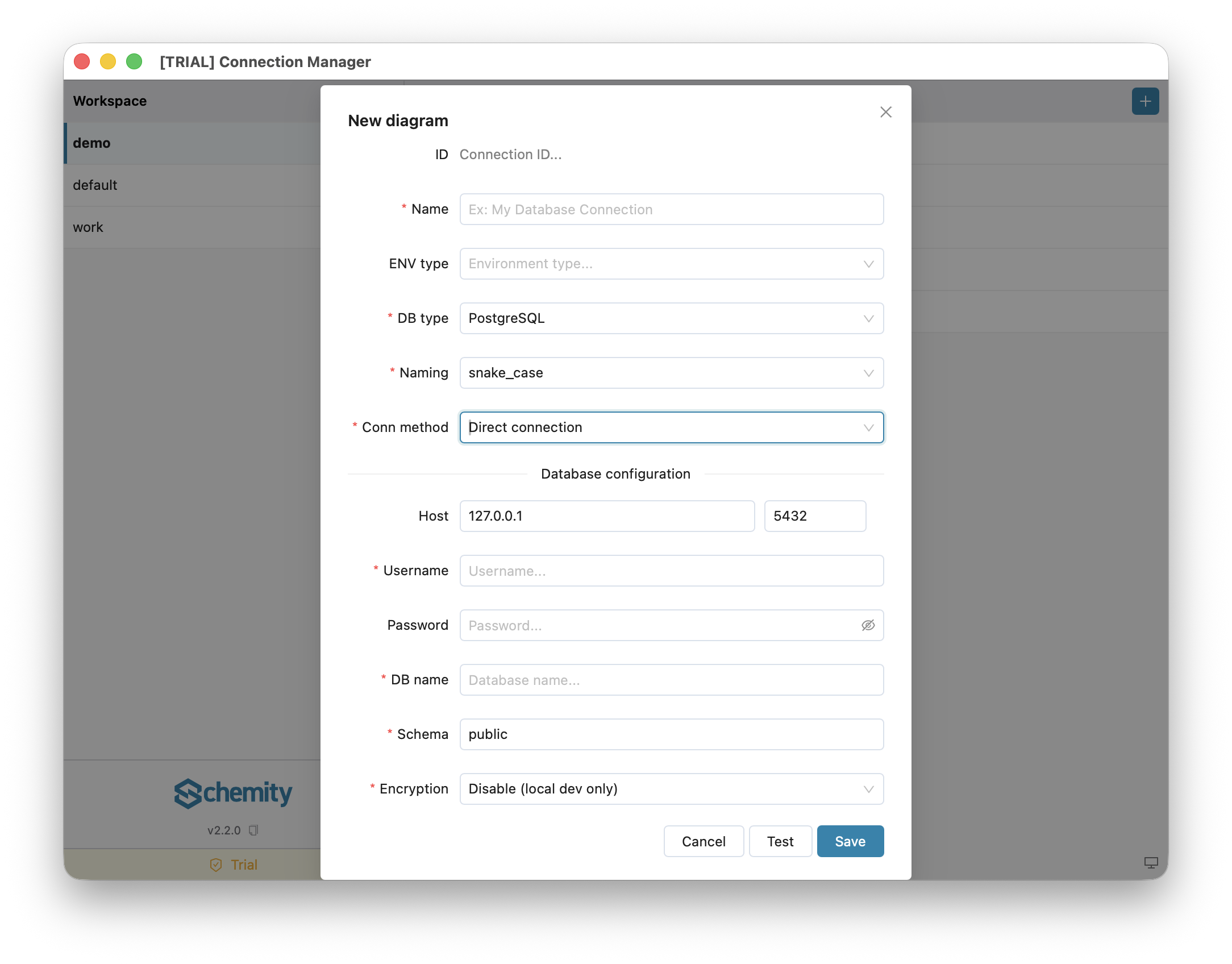
- Direct connection - connect over an accessible host and port.
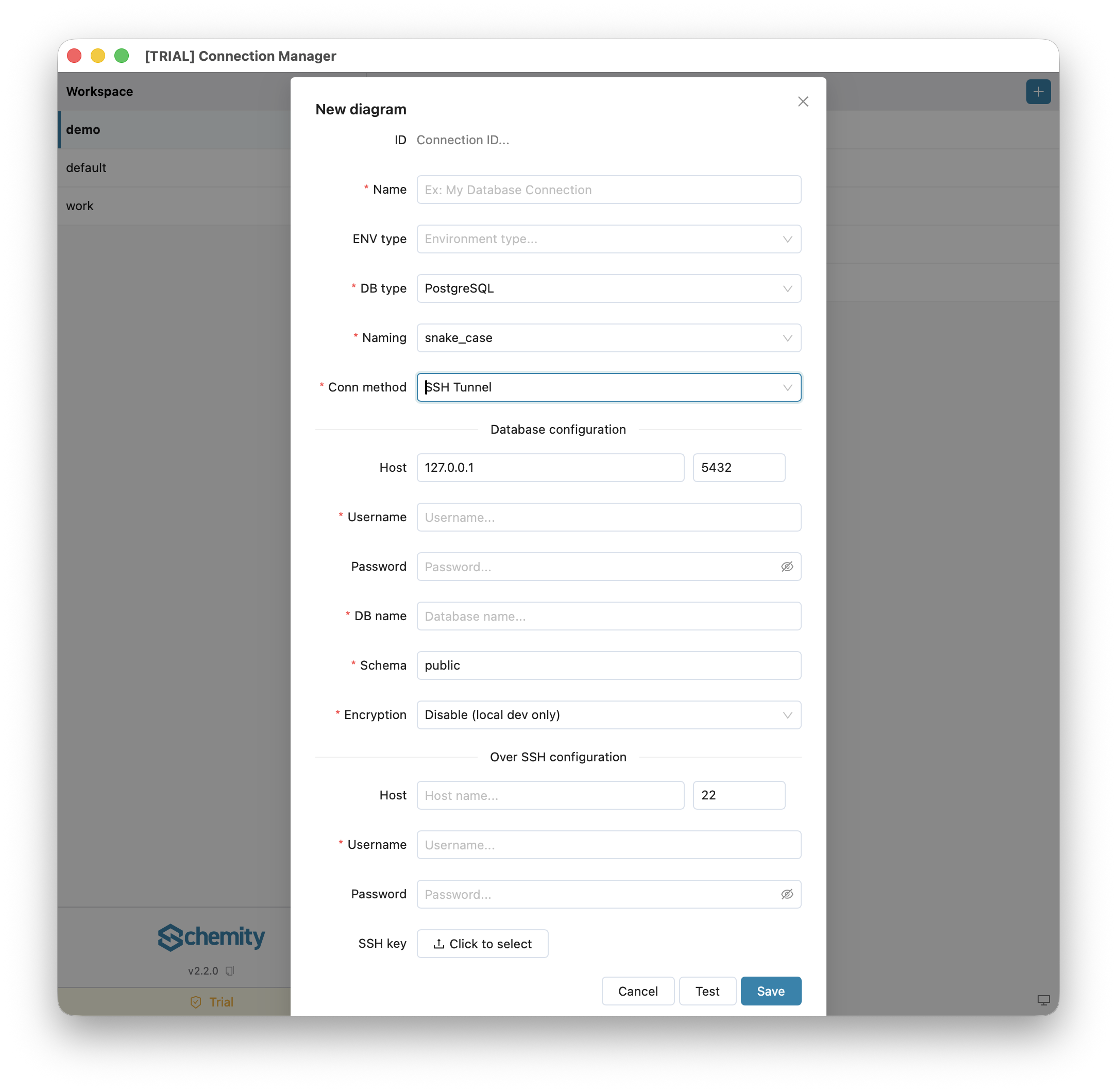
- SSH Tunnel - connect through a jump/bastion server (server engines only).
- ENV type - an optional label: Local, Staging, or Production. It is purely a tag shown next to the connection in the connection list to help you tell environments apart; it has no effect on how Schemity connects.
When Conn method is anything other than None, a database-configuration block appears with the host, credentials, and engine-specific fields described in each engine’s guide.
Connecting is a licensed feature
Designing offline (Conn method: None) is free. Connecting to a live database with Direct connection or SSH Tunnel - and the reverse-engineering, migrations, and SQL import that depend on it - is unlocked by a one-time desktop license.
Supported engines
How credentials are handled
Connections run from your machine directly to your database, so a host on localhost, a private VPN, or an isolated network all work. Passwords are never written into the JSON file - Schemity stores them in your operating system’s keychain. This is what keeps it an air-gapped ERD tool.
Read-only access
To browse a database without any risk of changes, right-click a saved connection and choose Open read-only. Schemity opens the diagram in a view that blocks edits and migrations.
Next
Pick your engine and follow its field-by-field guide, starting with Connect to PostgreSQL.