A workspace is the top-level container in Schemity. It groups one or more database connections (each connection is one diagram) and stores them as plain JSON on disk. Schemity creates a default workspace for you; you add more to keep separate projects or clients apart.
There are two ways to get a workspace: New workspace creates an empty one under your home folder, and Import workspace points Schemity at a folder that already exists - typically one inside a Git repository. The video below walks through both, and the sections after it cover the same ground in text.
Watch: creating and importing a workspace
Prefer to read? The sections below cover the same steps in text.
How do I create a new workspace?
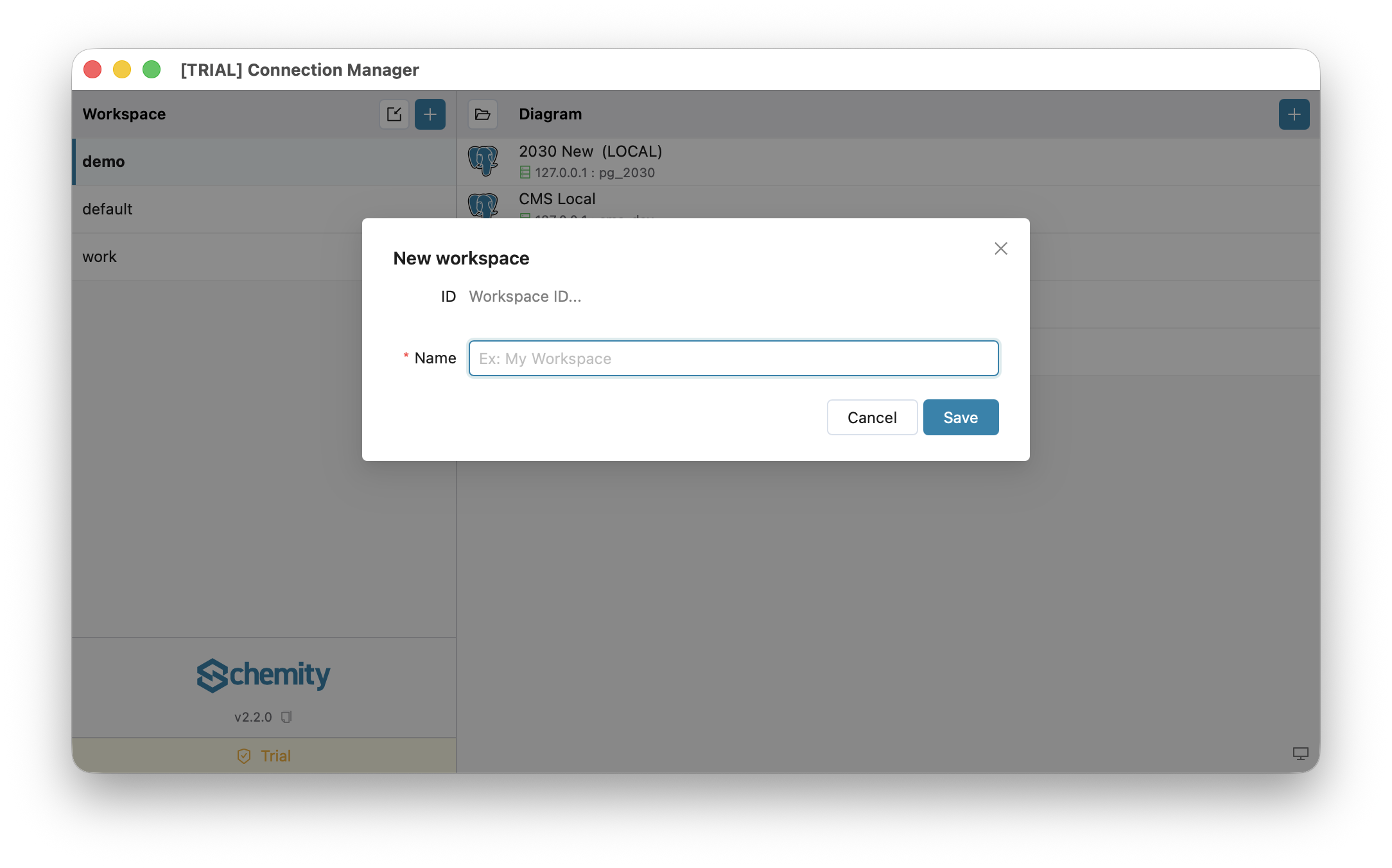
In the left sidebar of the workspace screen, choose New workspace. The form is deliberately small.
What do the fields in the workspace form mean?
- ID - read-only. Schemity derives it automatically from the name (for example
My Workspacebecomesmy_workspace) and uses it as the folder name on disk. - Name - the only field you fill in. A free-text label such as
Billing serviceorAcme client. It must be unique.
That is the entire form. There is no storage-location picker and no database-engine field - the database engine is chosen later, per connection, not per workspace.
Where is a workspace stored on disk?
A new local workspace is created under your home folder at ~/schemity/<id>/. Inside, Schemity writes a small meta.json plus one JSON file per connection. Everything is human-readable text that you own.
How do I keep a workspace in a Git repository?
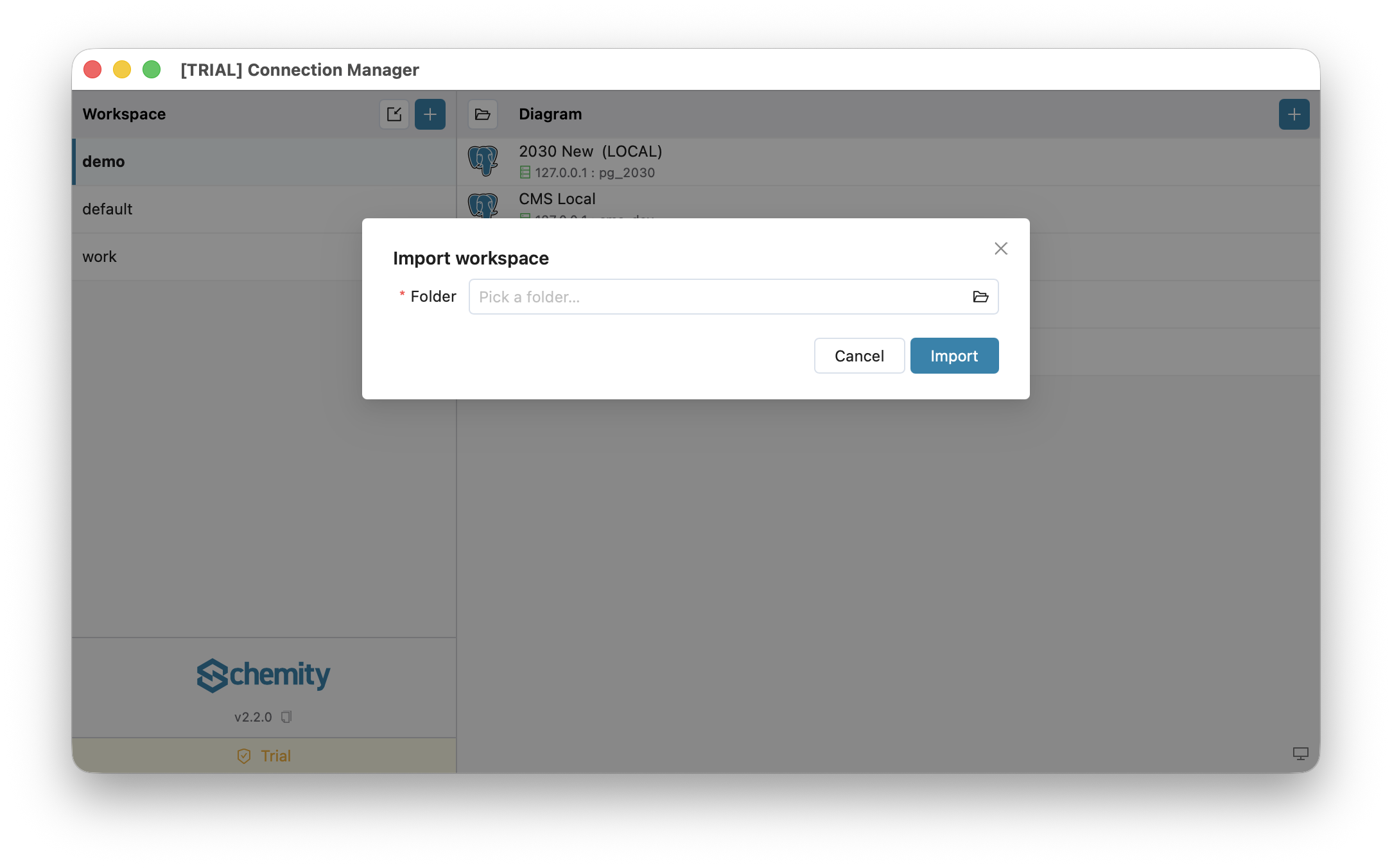
If you want a workspace to live inside a code repository (so the diagram is versioned with the code), use Import workspace instead of New workspace - it lets you point at any folder, such as docs/erd/ in your repo. The video above shows this too. See Version Control in Git for that workflow.
Can I move a diagram to another workspace?
Yes. Right-click the diagram in the list, choose Move to workspace, and pick the target. The diagram leaves this workspace and lands at the bottom of the other one’s list. Its saved passwords move with it, so it connects straight away.
- Nothing is overwritten. If the target already has a diagram with that ID or name, the moved one takes the next free one, and the confirmation tells you what it is now called.
- Nothing is lost if it fails. Schemity copies first and removes the original only once the copy and its passwords are in place. A diagram that needs no rename is copied byte for byte, so in a Git-tracked workspace the change shows up as a file that moved.
- Save first. A diagram with unsaved changes in an open tab cannot be moved. A saved open tab is closed, since it belongs to the old workspace.
The option appears only when there is another workspace to move to. To copy a diagram instead of moving it, use Duplicate connection.
Tips
- Use one workspace per project, service, or client to keep things tidy.
- Multiple workspaces and importing workspaces are licensed desktop features; the free version uses the single
defaultworkspace.
Next
Add a database connection in Connections Overview, or open the seeded Sample Blog Diagram and start exploring the ERD Canvas.