# Create a Workspace
> Create your first Schemity workspace and understand the form fields. A workspace groups your database connections and stores them as plain JSON you own.
Source: https://schemity.com/doc/create-a-workspace/
A **workspace** is the top-level container in Schemity. It groups one or more database **connections** (each connection is one diagram) and stores them as plain JSON on disk. Schemity creates a `default` workspace for you; you add more to keep separate projects or clients apart.
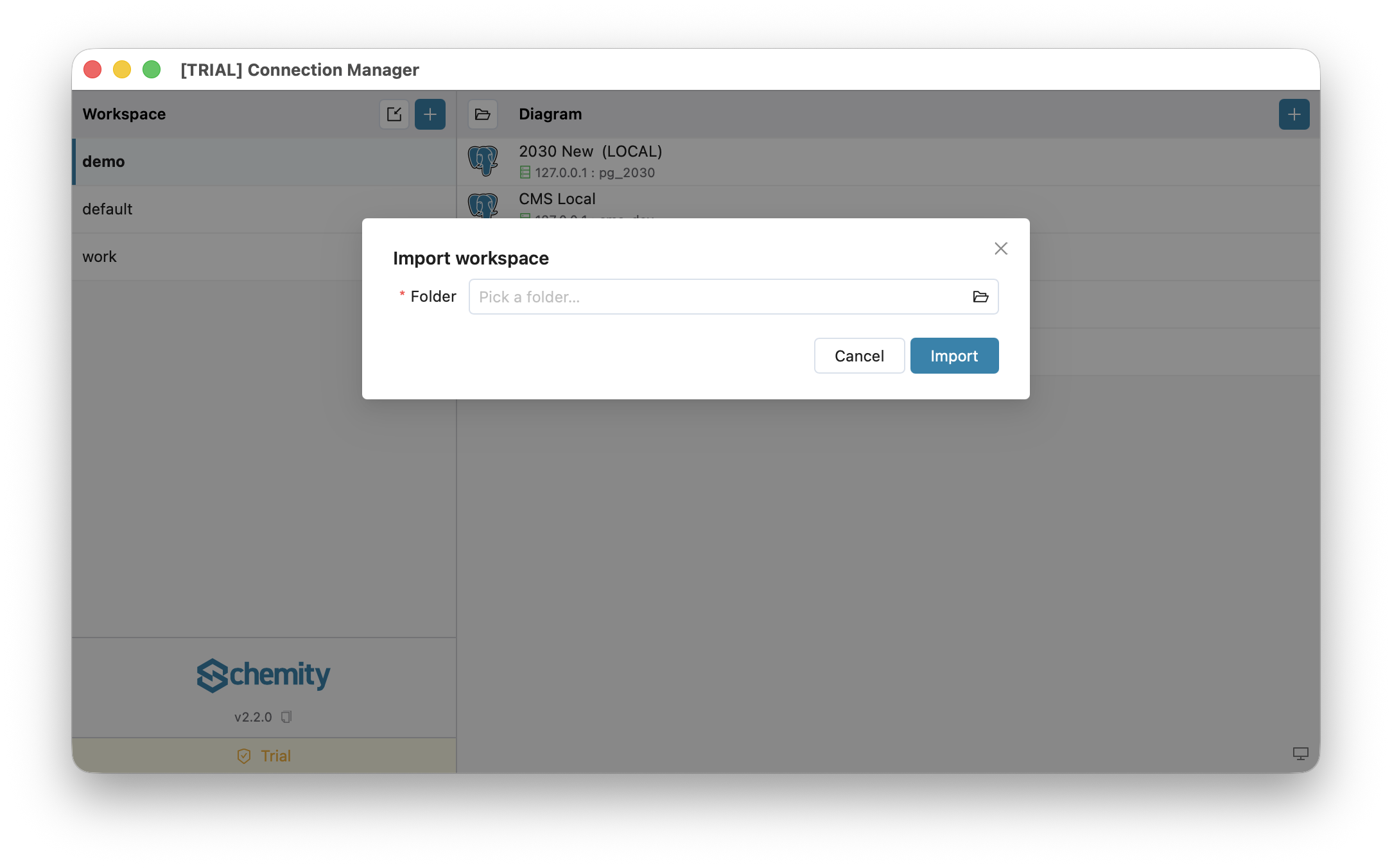
There are two ways to get a workspace: **New workspace** creates an empty one under your home folder, and **Import workspace** points Schemity at a folder that already exists - typically one inside a Git repository. The video below walks through both, and the sections after it cover the same ground in text.
## Watch: creating and importing a workspace
Prefer to read? The sections below cover the same steps in text.
## How do I create a new workspace?
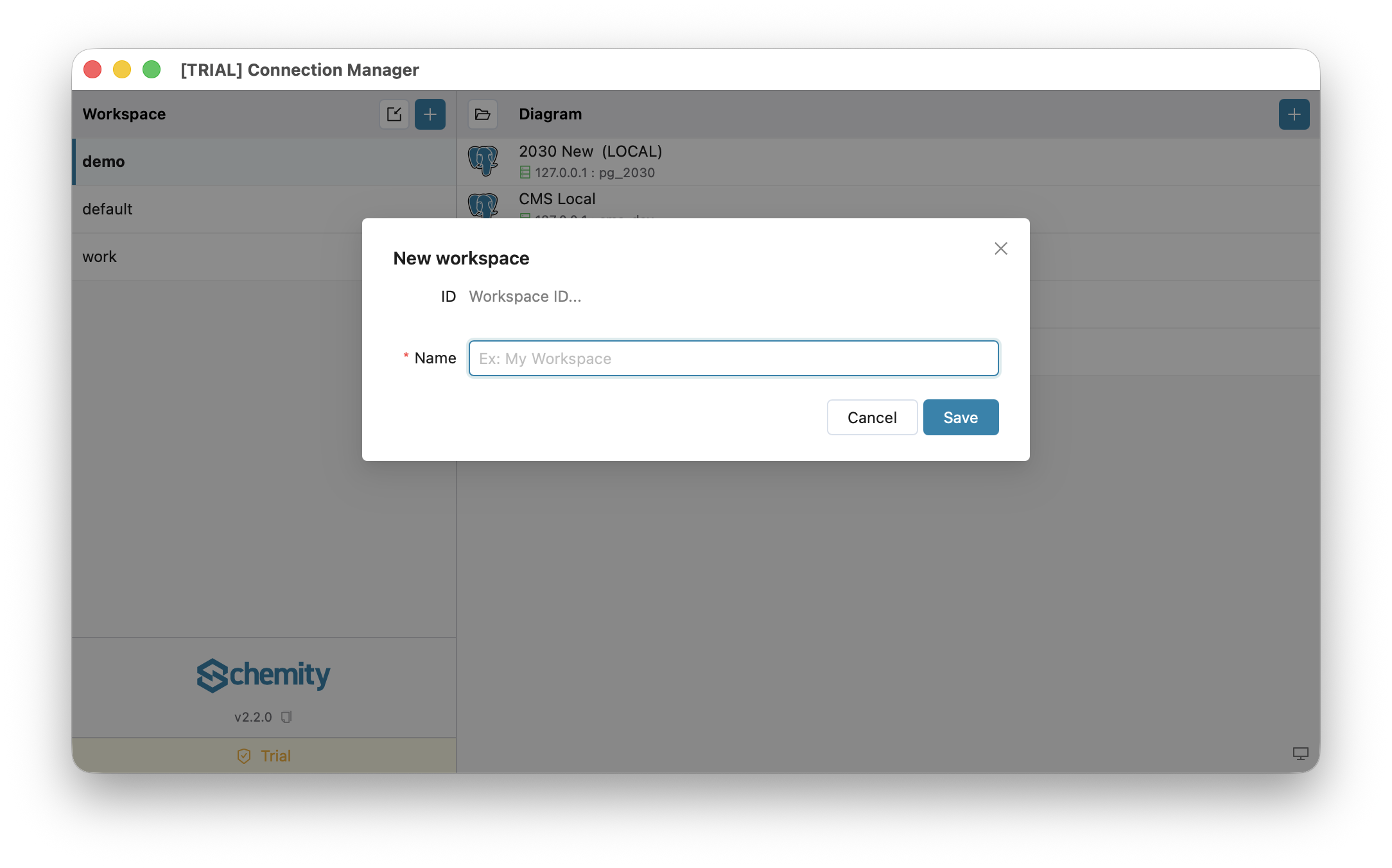
In the left sidebar of the workspace screen, choose **New workspace**. The form is deliberately small.
## What do the fields in the workspace form mean?
- **ID** - read-only. Schemity derives it automatically from the name (for example `My Workspace` becomes `my_workspace`) and uses it as the folder name on disk.
- **Name** - the only field you fill in. A free-text label such as `Billing service` or `Acme client`. It must be unique.
That is the entire form. There is **no storage-location picker and no database-engine field** - the database engine is chosen later, per connection, not per workspace.
## Where is a workspace stored on disk?
A new local workspace is created under your home folder at `~/schemity//`. Inside, Schemity writes a small `meta.json` plus one JSON file per connection. Everything is human-readable text that you own.
## How do I keep a workspace in a Git repository?
If you want a workspace to live inside a code repository (so the diagram is versioned with the code), use **Import workspace** instead of New workspace - it lets you point at any folder, such as `docs/erd/` in your repo. The video above shows this too. See [Version Control in Git](https://schemity.com/doc/version-control-git/) for that workflow.
## Can I move a diagram to another workspace?
Yes. Right-click the diagram in the list, choose **Move to workspace**, and pick the target. The diagram leaves this workspace and lands at the bottom of the other one's list. Its saved passwords move with it, so it connects straight away.
- **Nothing is overwritten.** If the target already has a diagram with that ID or name, the moved one takes the next free one, and the confirmation tells you what it is now called.
- **Nothing is lost if it fails.** Schemity copies first and removes the original only once the copy and its passwords are in place. A diagram that needs no rename is copied byte for byte, so in a Git-tracked workspace the change shows up as a file that moved.
- **Save first.** A diagram with unsaved changes in an open tab cannot be moved. A saved open tab is closed, since it belongs to the old workspace.
The option appears only when there is another workspace to move to. To copy a diagram instead of moving it, use **Duplicate connection**.
## Tips
- Use one workspace per project, service, or client to keep things tidy.
- Multiple workspaces and importing workspaces are licensed desktop features; the free version uses the single `default` workspace.
## Next
Add a database connection in [Connections Overview](https://schemity.com/doc/connections-overview/), or open the seeded Sample Blog Diagram and start exploring the [ERD Canvas](https://schemity.com/doc/erd-canvas/).