A consultant’s Tuesday: in the morning you are in a fintech client’s ledger schema, after lunch you are restructuring a logistics company’s shipment tables, and at five someone from last year’s engagement emails asking for “that diagram you made”. Three clients, three NDAs, three completely unrelated data models.
And in most diagram tools: one account, one big list, everything side by side.
That list is the problem. The fintech schema sits one misclick away from the logistics one. Both live on a vendor’s server, under an account tied to you personally, governed by terms of service none of your clients ever signed. Somewhere in each of your contracts is a clause about where client material may be stored - and “my personal SaaS account” is almost never on the list.
Every engagement ends - your account remembers
Client work has a lifecycle that cloud tools quietly ignore. An engagement ends, and two things are supposed to happen: the client receives everything you produced, and you stop holding their confidential material. Both are awkward when the diagrams live in someone else’s cloud.
Handover becomes “let me export some PNGs” - flattened snapshots of living documents. Deletion becomes an act of faith: you click remove, and trust that the vendor’s backups, caches, and audit copies eventually forget too. And if the client returns next year, you are either resurrecting archived projects in a tool you may no longer subscribe to, or starting from those PNGs.
None of this is hypothetical for consultants. It is the offboarding checklist of every project, and a cloud diagram account fails most of it.
One client, one workspace, one folder
Schemity is a local ERD tool, and its unit of organization matches the consultant’s unit of work: the workspace. Each workspace holds its own connections and diagrams, and each workspace is just a folder of plain JSON files on your machine. Nothing overlaps, nothing syncs anywhere, and the fintech schema cannot appear in the logistics client’s window because they do not share so much as a directory.
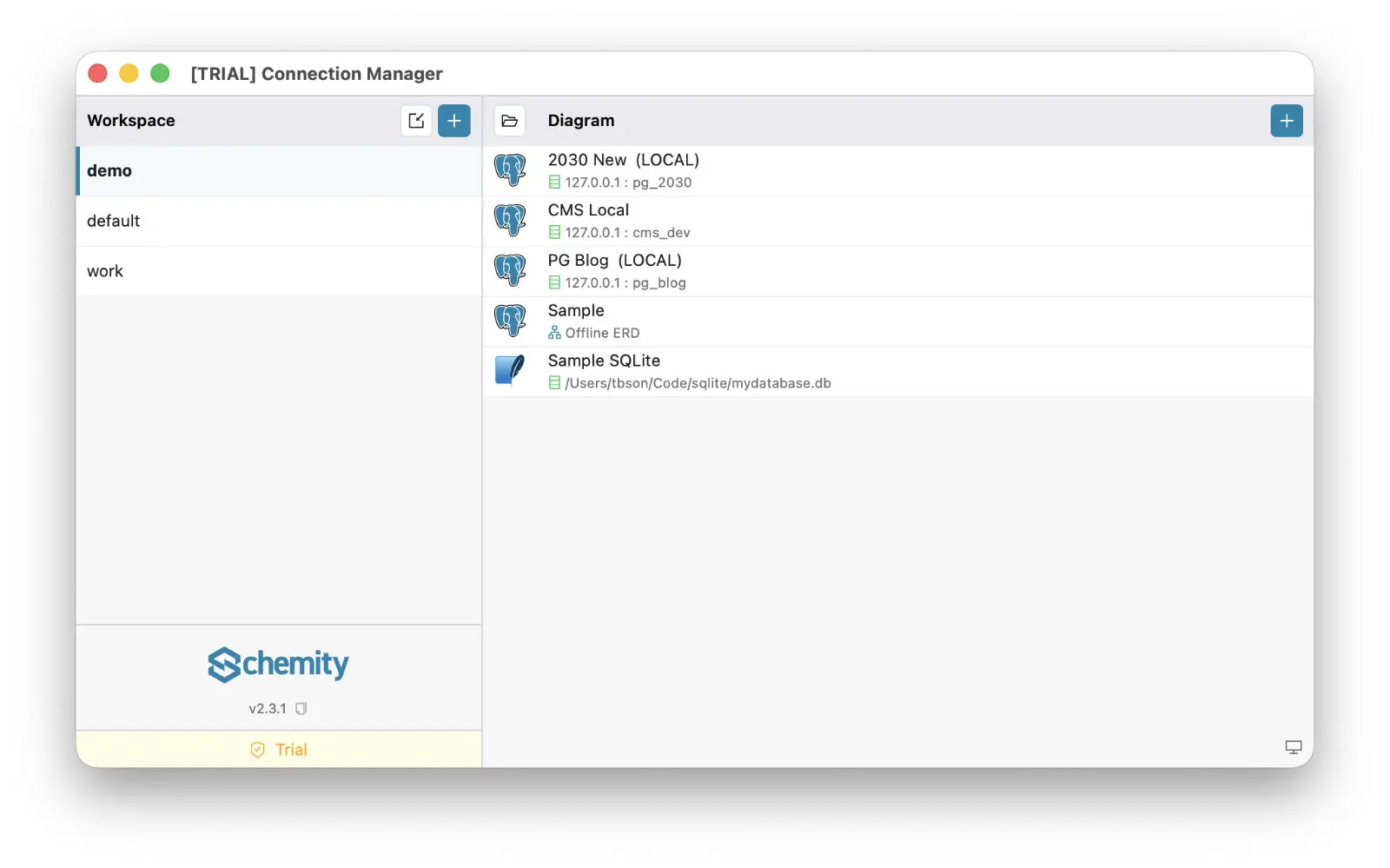
That mapping does real contractual work:
- Isolation is physical, not cosmetic. A workspace per client means client material is separated on disk, not filtered in a UI. If an engagement requires it, the folder can live on an encrypted client-specific volume - the tool does not care where the folder is.
- The NDA stays easy to honor. As an offline ERD tool, Schemity sends nothing to a vendor server. The schema you were trusted with stays on the machine you were trusted with - even AI help can stay inside that boundary, on your own API key - or with no cloud provider at all, via local models. For NDA projects, that is the entire compliance story - which is also why this is the kind of desktop ERD tool approved by IT without a lengthy review.
- Version control comes free. Because a workspace is plain files, you can keep each client’s diagrams in that client’s own Git repository - a Git-native ERD tool workflow where the diagram history ends up owned by the client, exactly where it belongs.
Offboarding becomes a folder copy
When the engagement ends, the deliverable is not an export - it is the workspace itself. Copy the folder into the client’s repo or handover package, and they own the real thing: every diagram, every layout, every constraint, as readable JSON. Anyone on their team can import that folder into Schemity from anywhere on disk and open the diagrams read-only, no database credentials required.
Then you delete your copy, and it is actually gone. No vendor retention policy to wonder about, no shared account to scrub. And when that client calls back next spring, restoration is the same move in reverse: import the folder from their repo, and you are looking at the exact diagrams you left, tabs and all.
The hygiene that keeps parallel clients sane
The day-to-day details matter as much as the lifecycle. Inside each workspace, connections carry environment tags - Local, Staging, Production - so you always know which of the client’s databases you are pointed at before you touch anything. You can duplicate a connection in one click when a client hands you a second environment, and open several diagrams in tabs, switching with Ctrl/Cmd + 0-9, when a question spans two parts of their system. Workspaces themselves reorder with drag and drop, so the active engagements sit on top.
There is also the unglamorous matter of money. Consultants eat their own tooling costs, and a per-seat subscription quietly bills you for every client who ever needed to view a diagram. Schemity is a one-time purchase ERD tool - $129, yours, no subscription renewing itself between engagements. The tool outlives the project the same way your text editor does.
Client work runs on a simple promise: what the client shows you stays between you and the client. Your ERD tool should be built to keep that promise - one workspace, one folder, one client at a time.